> For the complete documentation index, see [llms.txt](https://numerous-networks.gitbook.io/noversight-docs/llms.txt). Markdown versions of documentation pages are available by appending `.md` to page URLs; this page is available as [Markdown](https://numerous-networks.gitbook.io/noversight-docs/noversight-tutorial/noversight-macos-analysis/getting-started-with-analysing-log-data.md).
# Getting Started with Analysing Log Data
What is nOversight and how does it help you use log data
nOversight is a tool for analysing iOS logs. Using the connectivity content in the logs, it scans through to extract Wi-Fi and cellular data and present it in a way which can be understood and navigated.
Much like we did in the earlier activities, it searches through the logs for known keywords and patterns to extract information. As you probably found, the data can be very disorderly and it takes a lot of time and effort to make sense of it.
nOversight takes a lot of the pain away and instantly gives you a visual representation of the connectivity content in your log data.
There are two ways to use nOversight for log analysis
## Direct Connection for live log analysis
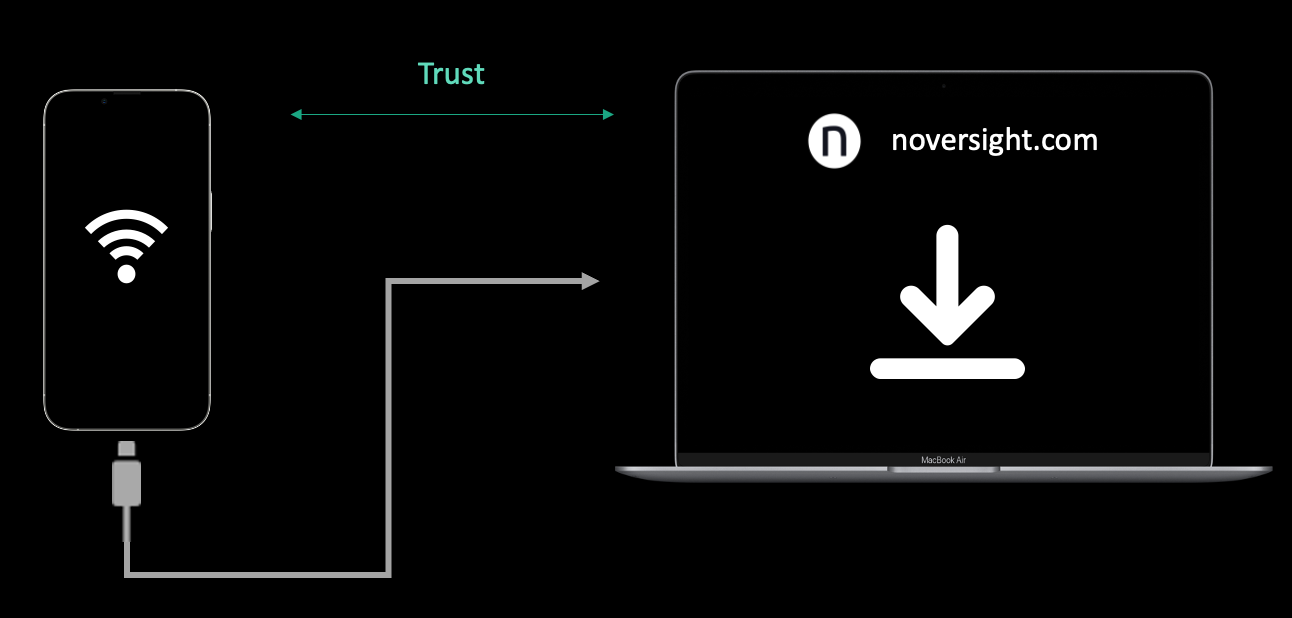
In a direct connection setup, an iPhone or iPad is connected to a Mac running nOversight. Once the Mac and device have created a trusted link, nOversight can be opened and logs instantly visualised.
## Offline sharing of saved logs
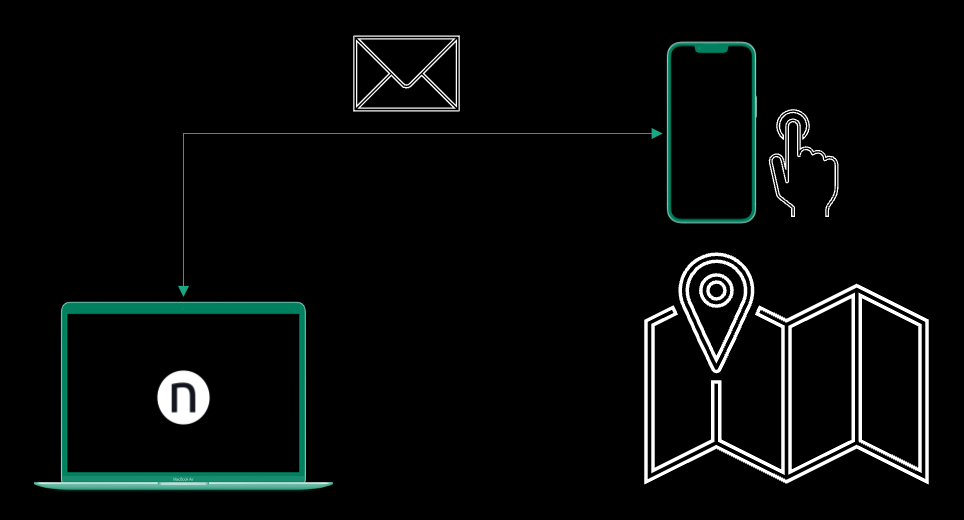
It's not always convenient to have a device tethered to a Mac. In particular, when troubleshooting devices in a network and you are not present to evaluate the network yourself, a saved log can provide that much needed insight into how a device has experienced connectivity.
This is ideal for going back in time and finding issues that are being reported to you.
***